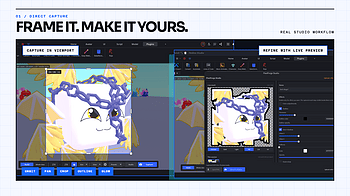
PixelForge v2.2.0 is the framing and capture-control update. This release makes it much easier to keep a consistent composition across one model, a full Batch E...
PixelForge 2.0 is a full remake of the plugin experience. The goal was simple: make creating Roblox icons feel less like configuring a tool and more like workin...
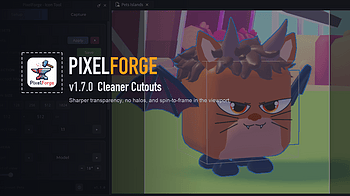
A capture-quality rework: cleaner cutouts, no glow leaks, and you can now spin the model right in the viewport. Much cleaner cutouts Transparent captures use a...
A big update: a new capture mode, cleaner effects, and a friendlier editor. Whole view capture (new) A switch at the top now lets you capture the whole Studio v...
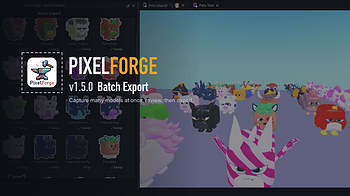
New in this update: capture many models at once. What's new Batch Export (new toolbar button) Select a folder of models (or pick them individually), choose a sa...